
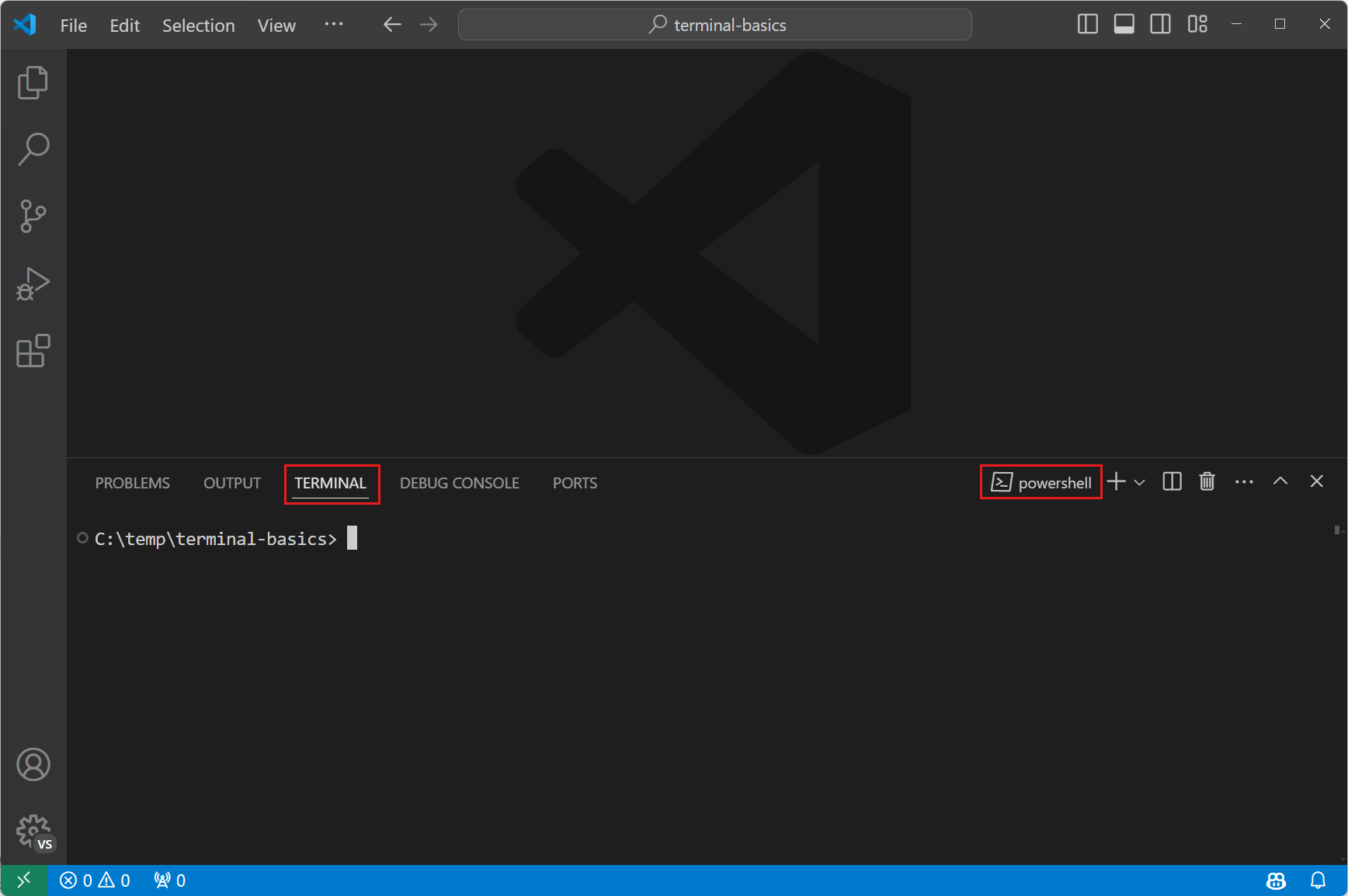
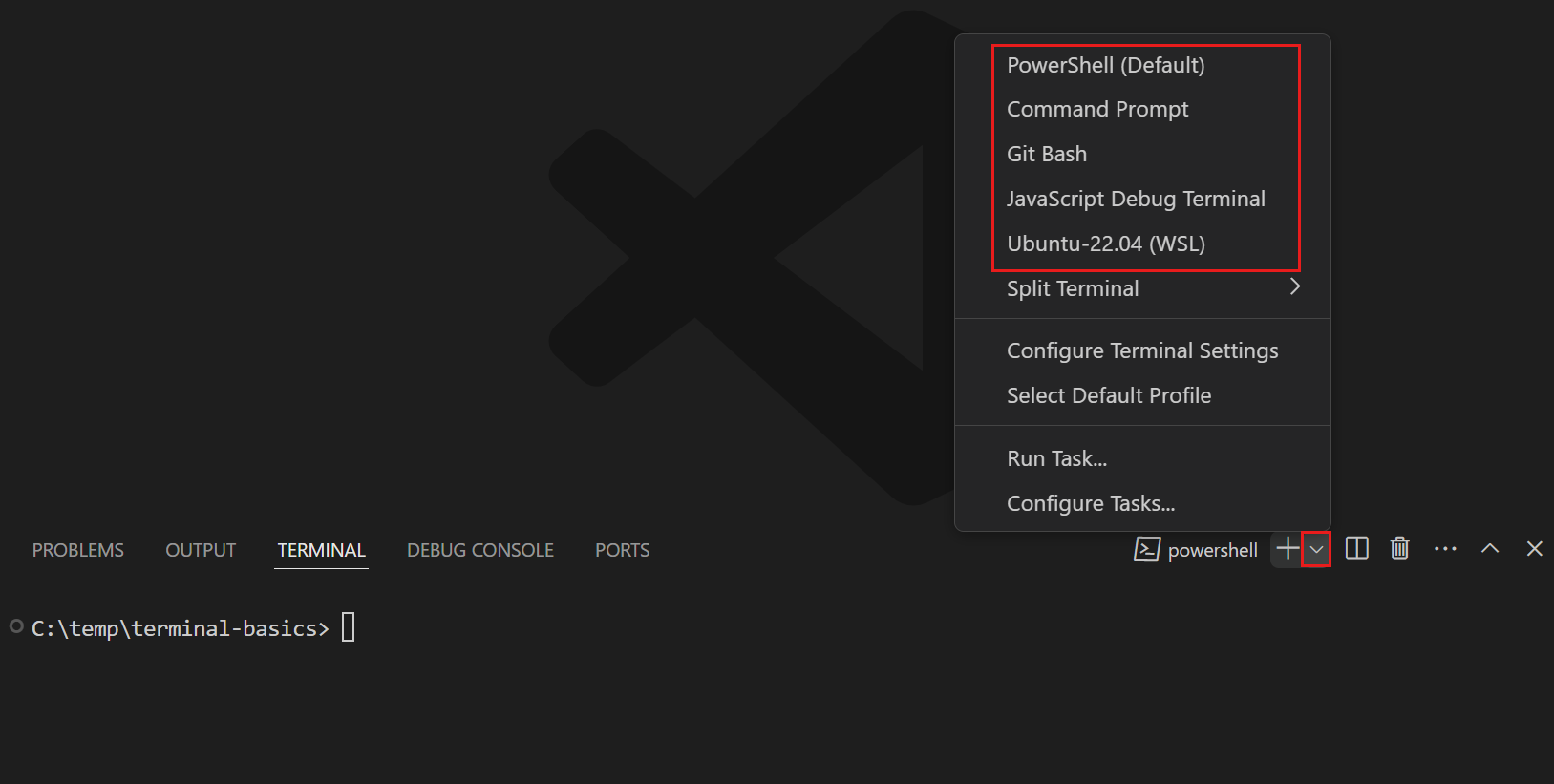
Syntax is the set of rules that makes Python code a valid program. Output is information the program sends to the console.
Read simple statements, indentation and print calls, and distinguish a parsing failure from a failure during execution.
A receipt line is a useful first program: you can predict its text, change one
piece, and compare the result. Start with quotes, expressions and print;
then use indentation to group instructions into a function. No previous
Python knowledge is needed. By the end, distinguish a program Python cannot
parse from a valid program that fails while running.
Read code in two stages
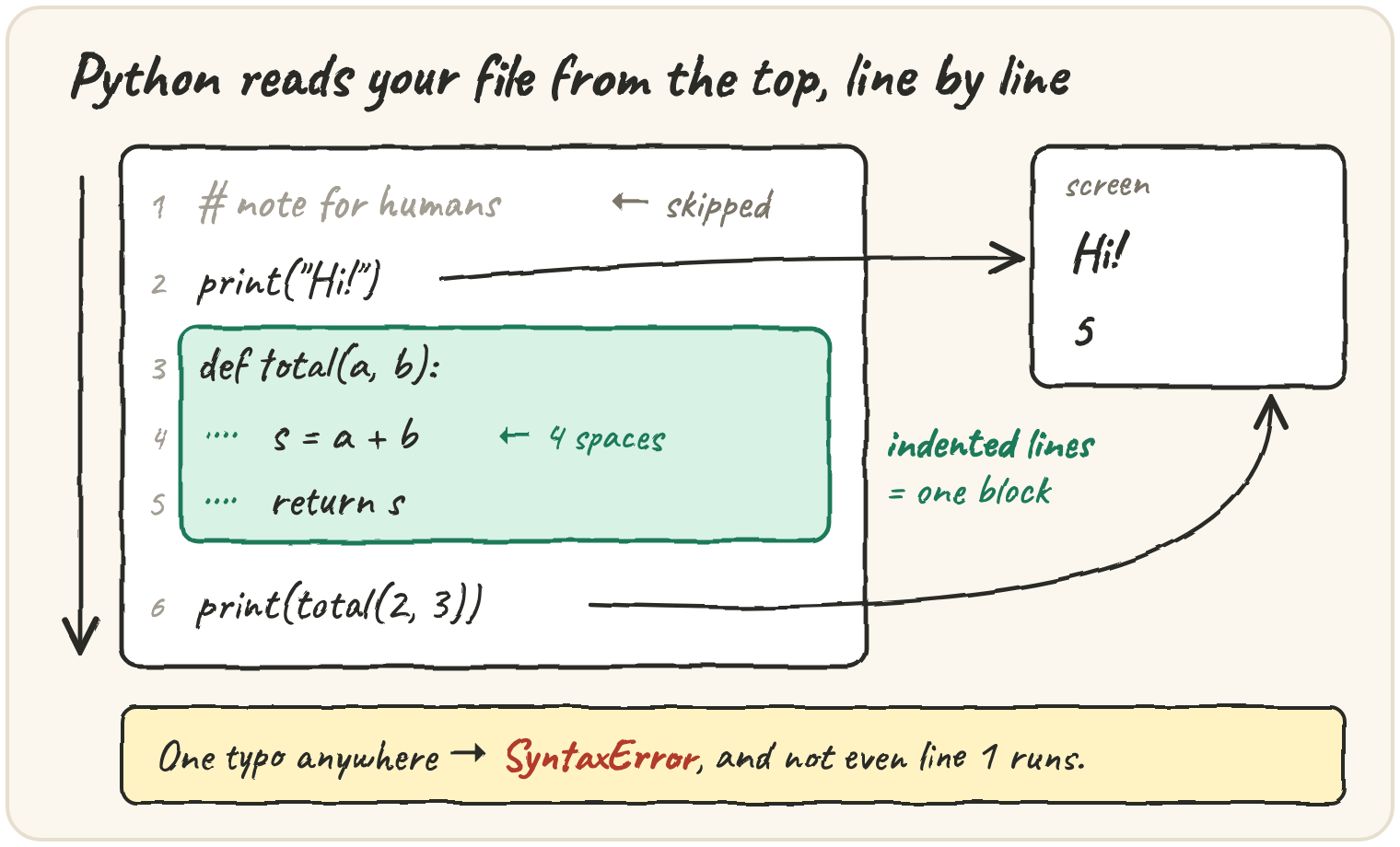
Python first checks the syntax of the source being run: whether the quotes,
brackets and statement structure form valid Python. It then executes that source.
For a script, a syntax error anywhere in that file prevents that file's first
statement from running. A misspelled name is different: Print("hi") is valid
syntax, but raises NameError when Python tries to look up Print.
An expression produces a value. 20 * 3 produces 60; "Token" produces
text. A statement tells Python to do something, such as assign a value:
Read assignment from the right: find price, multiply it by 3, then
bind the result to total. The first two lines produce no console output.
Only the third displays anything. Seeing no output does not mean no work ran.
Read a failure's last line for its error type, then inspect the indicated source line. A syntax caret marks where parsing became impossible; a missing quote or bracket may be earlier. Change one suspected cause and run again so the next observation can test your diagnosis.
Preparing this topic’s interactive investigation…
Print a canteen token
The college canteen prints a token for every order. print() takes any number
of values, separated by commas, and puts one space between them:
sep goes between the values, end goes after the last one (normally a new
line). Now try building the same line with +:
TypeErrorRun it, read the error, then make it print the token line.
Python refuses to guess whether "4" + 2 means "42" or 6, so it stops.
The everyday fix is an f-string: put f before the quote and drop any
value into {braces}. You can even do sums inside them:
Receipts also need layout. Inside a string, \n starts a new line and \t
jumps to the next tab stop:
And if the text contains an apostrophe, wrap it in the other kind of quote:
SyntaxErrorThis will not even start. Read the error, then make it print the special.
That error occurs while parsing this snippet, before its print can run. Later lessons distinguish this from exceptions raised by already-running code.
Greet a passenger
A railway app greets whoever logs in. In a terminal script the name would come
from input(), which pauses, waits for the user, and hands back what they
typed, always as text:
name = input("Your name? ")   # the user types Asha
print("Namaste,", name)       # Namaste, Asha
(The browser boxes here can't pause for typing, so from now on we'll write the typed value straight into a variable.)
The app does not want the greeting printed on the console. It wants the greeting as a value, so it can put it on the screen. So you write a function that builds the line. First attempt:
def greet(name):
    line = f"Namaste, {name}!"

banner = greet("Asha")
print(banner)That None is the most common bug of a beginner's first week. The function
did the work and then threw the result away. Hand it back with return, and
step through to watch banner get its value at the moment the call finishes:
Rule of thumb: print is for people, return is for code. A function that
builds something should return it and let the caller decide whether to show it.
Sketch a ticket app
You are planning a train-booking app and want to write the outline first,
before filling in any logic. Every function needs a body, and an empty body is
a SyntaxError, so Python gives you pass: a statement that does nothing.
The body is whatever is indented under the def line (four spaces by
convention). Indentation is the structure, so getting it wrong is an error, not
a style issue. The same goes for names: some words are keywords that
Python has reserved for itself, and you cannot use them as variable names.
SyntaxErrorRun it and read the error. Rename the variable so the line prints.
You can see the full list any time. There are about 35, and you'll meet most
of them in this course: if, for, def, return, True, None …
Traps you'll hit this week
- Case matters.
seat,SeatandSEATare three different names, andPrint("hi")is aNameError. - Comments start with
#outside a string. Use several#lines for a long note. Triple quotes create a string, not a comment; a string placed first in a function can be its documentation, called a docstring. - Long lines can continue inside brackets. Python keeps reading until the
bracket closes, so you rarely need a
\at the end of a line:
Before the choices below, make a two-line label for a parcel using a name and a numeric count. Predict which lines will be printed. Then deliberately remove a quote, restore it, and misspell the variable name instead. Explain why those two failures happen at different stages.
Quick practice
print("Pune", "Mumbai", sep=" to ", end="!")print("3" + "4", 3 + 4)IndentationErrorRun it and read the error, then fix the layout.
name = "Meera"
print(f"Hi {name}", "Hi {name}")🎯 Your turn
Write greet_customer(name). It returns the welcome line the app shows each
guest:
greet_customer("Ada")→"Welcome, Ada! Let's split the bill."greet_customer("Sam")→"Welcome, Sam! Let's split the bill."
Hint: use an f-string, wrap it in double quotes so the apostrophe in Let's
is safe, and return it. Don't print it.
Press ▶ Run, try the Live App chips, then ✓ Check.