
XMLHttpRequest
In short: XMLHttpRequest (XHR) is the original way browsers made
network requests, long before Promise or fetch existed. Instead of
returning a Promise, it reports its result through events: you create
an XMLHttpRequest, attach onload/onerror listeners, and only then
call .send(). Whichever event fires — success or failure — your
listener reacts. It still appears in older codebases and a few APIs
fetch doesn't cover (like upload progress), but modern code almost
always reaches for fetch instead. This lesson's code talks to a real
network, which this sandbox can't do — read it, don't run it.
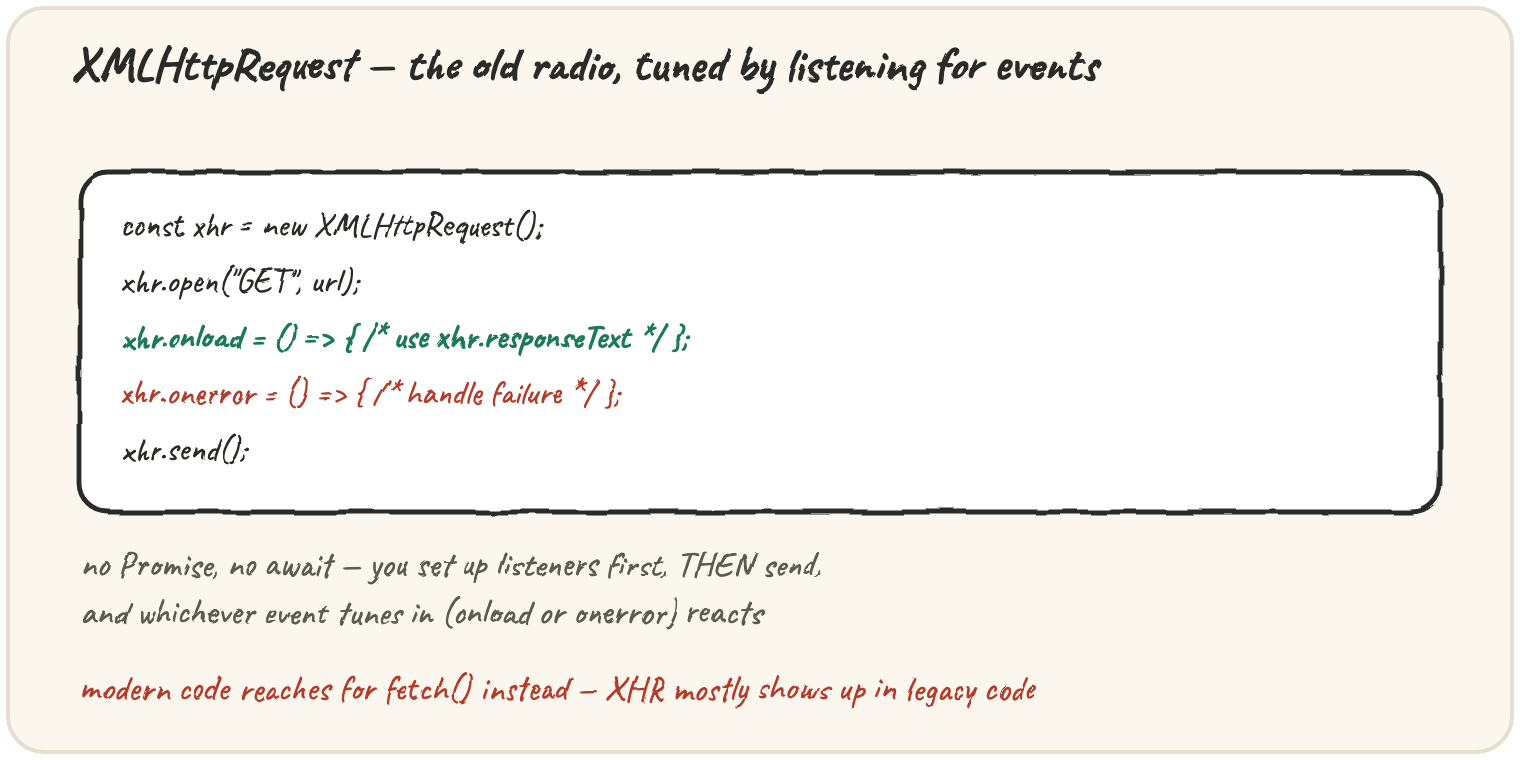
Requesting a playlist the old way
The classic shape: create, configure, attach listeners, then send — always in that order.
function loadPlaylist(onSuccess, onFailure) {
  const xhr = new XMLHttpRequest();
  xhr.open("GET", "/api/playlist");
  xhr.onload = () => {
    if (xhr.status >= 200 && xhr.status < 300) {
      onSuccess(JSON.parse(xhr.responseText));
    } else {
      onFailure(new Error(`request failed: ${xhr.status}`));
    }
  };
  xhr.onerror = () => {
    onFailure(new Error("network error"));
  };
  xhr.send();
}

loadPlaylist(
  (songs) => console.log(songs.length, "songs loaded"),
  (err) => console.log("failed:", err.message)
);
xhr.open configures the request but doesn't send it. onload fires once
a response arrives, whatever its status — checking xhr.status by
hand is how you tell success from an HTTP error, since onload itself
doesn't distinguish them. onerror is the genuine network-failure path,
similar to a fetch rejection. Listeners must be attached before
.send(), because the event could fire as soon as a response comes back.
Reading the response as it's parsed by hand
Unlike fetch's response.json(), XHR hands you raw text — parsing is
your responsibility:
const xhr = new XMLHttpRequest();
xhr.open("GET", "/api/songs/1");
xhr.onload = () => {
  const song = JSON.parse(xhr.responseText); // manual parsing
  console.log(song.title);
};
xhr.send();
xhr.responseText is always a plain string; there's no built-in
.json() convenience the way fetch's Response has one. Forgetting to
JSON.parse it is a common XHR mistake — you'd be working with a string
that merely looks like an object.
Tracking progress, one thing XHR still does well
One genuine reason XHR still shows up: it can report upload progress,
which plain fetch cannot without extra machinery.
const xhr = new XMLHttpRequest();
xhr.open("POST", "/api/upload");
xhr.upload.onprogress = (event) => {
  if (event.lengthComputable) {
    const percent = Math.round((event.loaded / event.total) * 100);
    console.log(`uploaded ${percent}%`);
  }
};
xhr.onload = () => console.log("upload complete");
xhr.send(/* some file data */);
upload.onprogress fires repeatedly as the data streams out, giving a
percentage for something like a progress bar — a real capability gap
fetch still has, which is why XHR hasn't fully disappeared.
🎯 Your turn
Explain why xhr.onload = () => { ... } must be attached before
xhr.send() is called, and what would likely happen if a developer
called send() first and attached onload afterwards.
Quick practice
How does XMLHttpRequest report that a request has finished?
Does xhr.onload fire for an HTTP error response like a 404?
What does xhr.responseText give you?