
The Fetch API
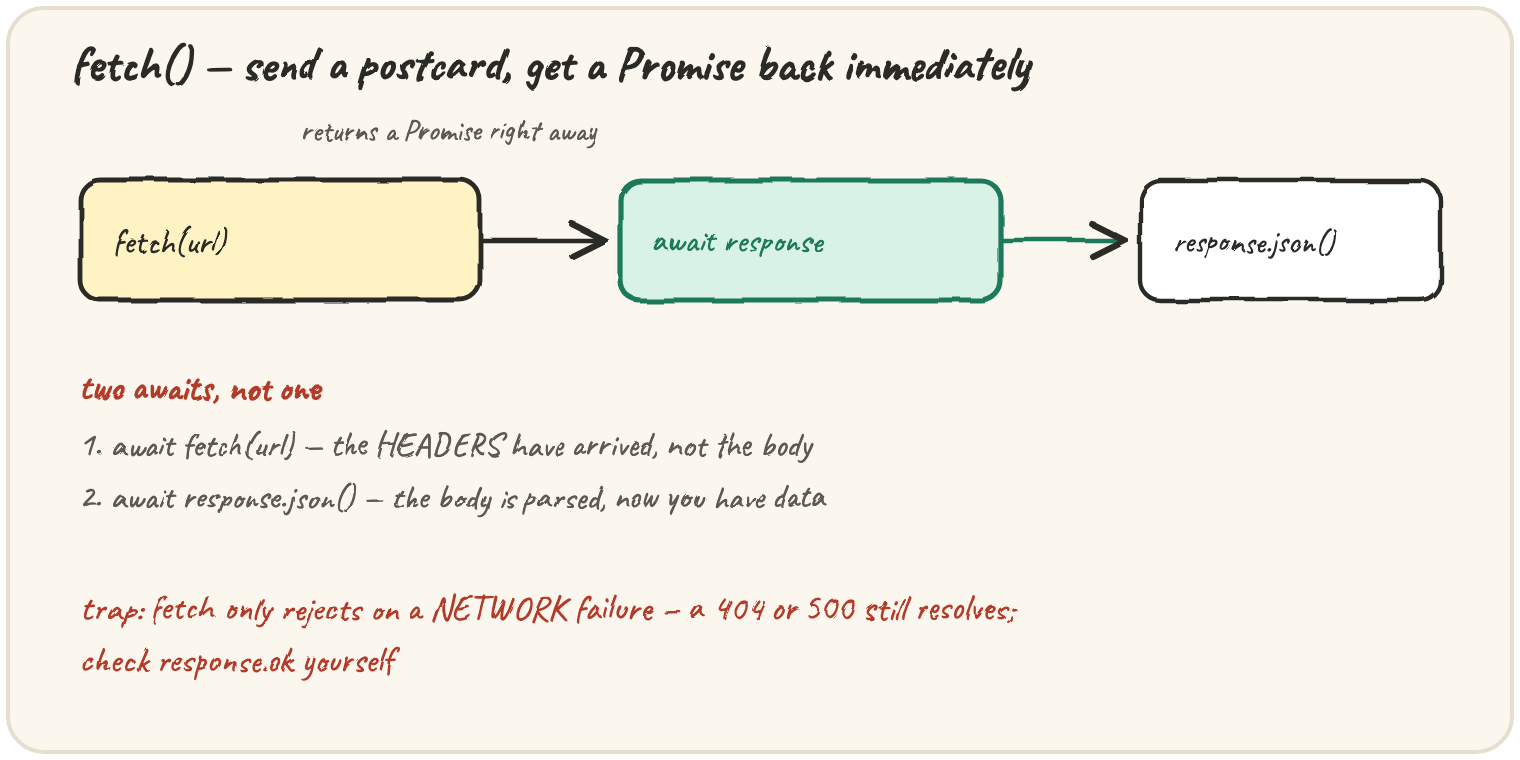
In short: fetch(url) sends a postcard and hands you a Promise
immediately — before any response has arrived. awaiting it gives you a
Response once the headers arrive; the body isn't parsed yet. A
second await, on response.json() (or .text(), .blob()),
actually reads and parses the body. The trap: fetch's Promise only
rejects on a genuine network failure — a 404 or 500 still counts
as a successful fetch, so response.ok has to be checked by hand. This
lesson's code talks to a real network, which this sandbox can't do — read
it, don't run it.
Fetching a playlist
The everyday shape: two awaits, one for the response, one for the body.
async function loadPlaylist() {
  const response = await fetch("/api/playlist");
  const songs = await response.json();
  console.log(songs.length, "songs loaded");
  return songs;
}
The first await resolves once the server has replied with headers and a
status code — response at that point knows the status, but hasn't read
the body yet. The second await, on response.json(), does the actual
reading and JSON-parsing, and is itself asynchronous because the body can
arrive in pieces over the network.
Checking for a failed request
Because fetch doesn't reject on HTTP error statuses, checking
response.ok is a habit worth having on every fetch:
async function loadSong(id) {
  const response = await fetch(`/api/songs/${id}`);
  if (!response.ok) {
    throw new Error(`request failed: ${response.status}`);
  }
  return response.json();
}

try {
  const song = await loadSong(999); // doesn't exist — server replies 404
  console.log(song);
} catch (err) {
  console.log("caught:", err.message);
}
response.ok is true only for status codes 200–299. A 404 here still
resolves the fetch Promise successfully — the request genuinely
completed, the server just said "not found." The if (!response.ok)
check is what turns that into a throw, which the surrounding
try/catch can then handle the normal way.
Sending data, not just requesting it
A second argument configures the request — method, headers, and a body
for anything other than a plain GET:
async function addSong(song) {
  const response = await fetch("/api/songs", {
    method: "POST",
    headers: { "Content-Type": "application/json" },
    body: JSON.stringify(song),
  });
  if (!response.ok) {
    throw new Error(`could not add song: ${response.status}`);
  }
  return response.json();
}
JSON.stringify(song) turns the JavaScript object into the text the
server expects, and the Content-Type header tells the server how to
interpret it. The same response.ok check applies here — a failed POST
resolves just like a failed GET does.
🎯 Your turn
A developer writes const response = await fetch("/api/user/999"); const user = await response.json(); and expects a catch block around it to
run when the server replies 404 for a user that doesn't exist — but it
never does. Explain why, and show how to fix the code so the failure is
actually caught.
Quick practice
What does await fetch(url) give you, the moment it resolves?
Does fetch("/api/songs/999") reject when the server replies with a 404?
What does response.ok tell you?