
PHP / Installation & setup
CLI tools & setup
Prepare your workspace, run a small example and check the result before starting the course.
Set up PHP and run your first file
Install PHP for command-line use first. You can learn the language without configuring Apache, a database, or an entire web-server bundle.
New to coding? Meet the tools and find the terminal
- PHP interpreter
- Executes .php source files.
- CLI
- The terminal interface used for the first program.
- Local development server
- PHP can serve a practice page locally later; this is not a production server.
A terminal is a window for commands. Its shell interprets those commands. PATH is the list of folders the shell searches for programs. An editor extension adds editing help; it usually does not install the language itself.
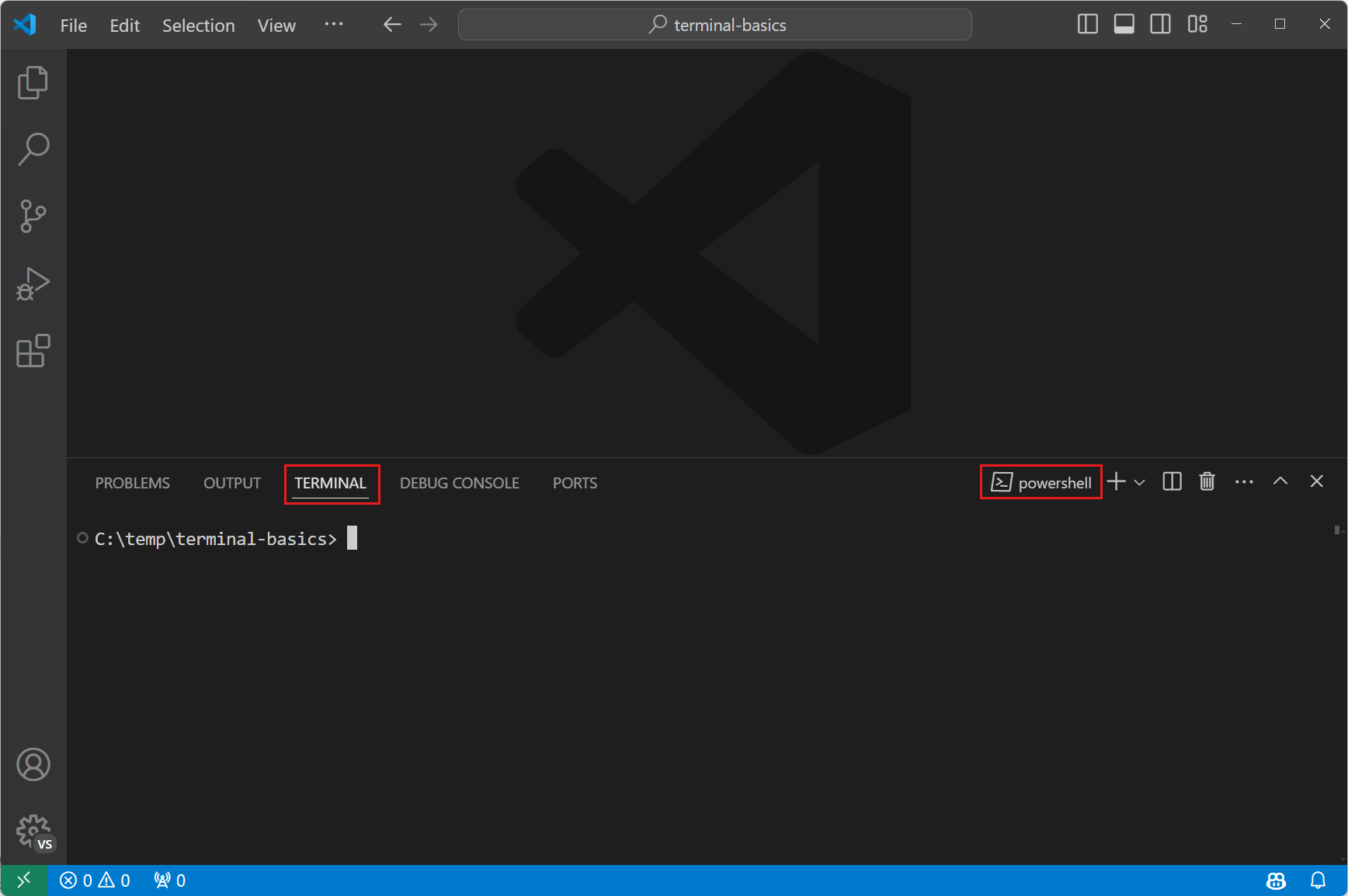
In VS Code, open your project folder, then choose View → Terminal. Type at the cursor in the Terminal panel, not in Output, the source file, or the browser address bar. Our command blocks omit prompt symbols such as $ and >; do not add them.
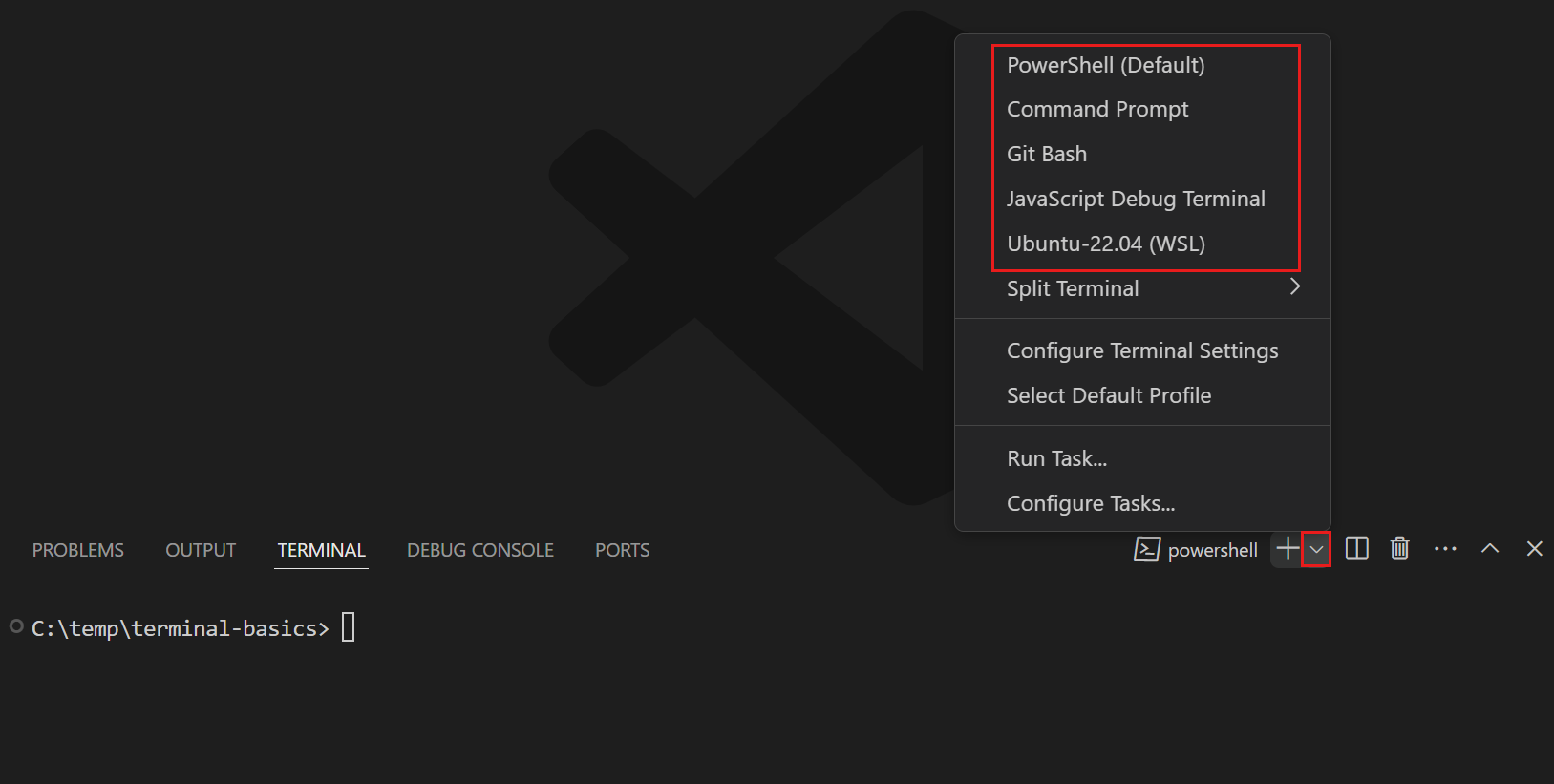
The dropdown next to the plus button selects a shell. Choose the shell named in your operating-system instructions below. Available choices depend on what you installed.
Choose a system to see its installation steps. A computer is needed for these local setup instructions.
Official documentation and illustrated guides
Instructions reviewed 2026-10-27. Use the linked installer page for current versions and supported operating systems.