
CSS / Installation & setup
CLI tools & setup
Prepare your workspace, run a small example and check the result before starting the course.
Set up CSS and run your first file
CSS styles an HTML document. Set up two neighboring files and make one visible style change; there is no separate CSS program to install.
New to coding? Meet the tools and find the terminal
- Text editor
- Saves the source as plain text with the correct extension.
- Browser
- Reads HTML and CSS, builds the page, and provides developer tools.
- Developer tools
- Inspect the actual elements and applied styles when a change is missing.
A terminal is a window for commands. Its shell interprets those commands. PATH is the list of folders the shell searches for programs. An editor extension adds editing help; it usually does not install the language itself.
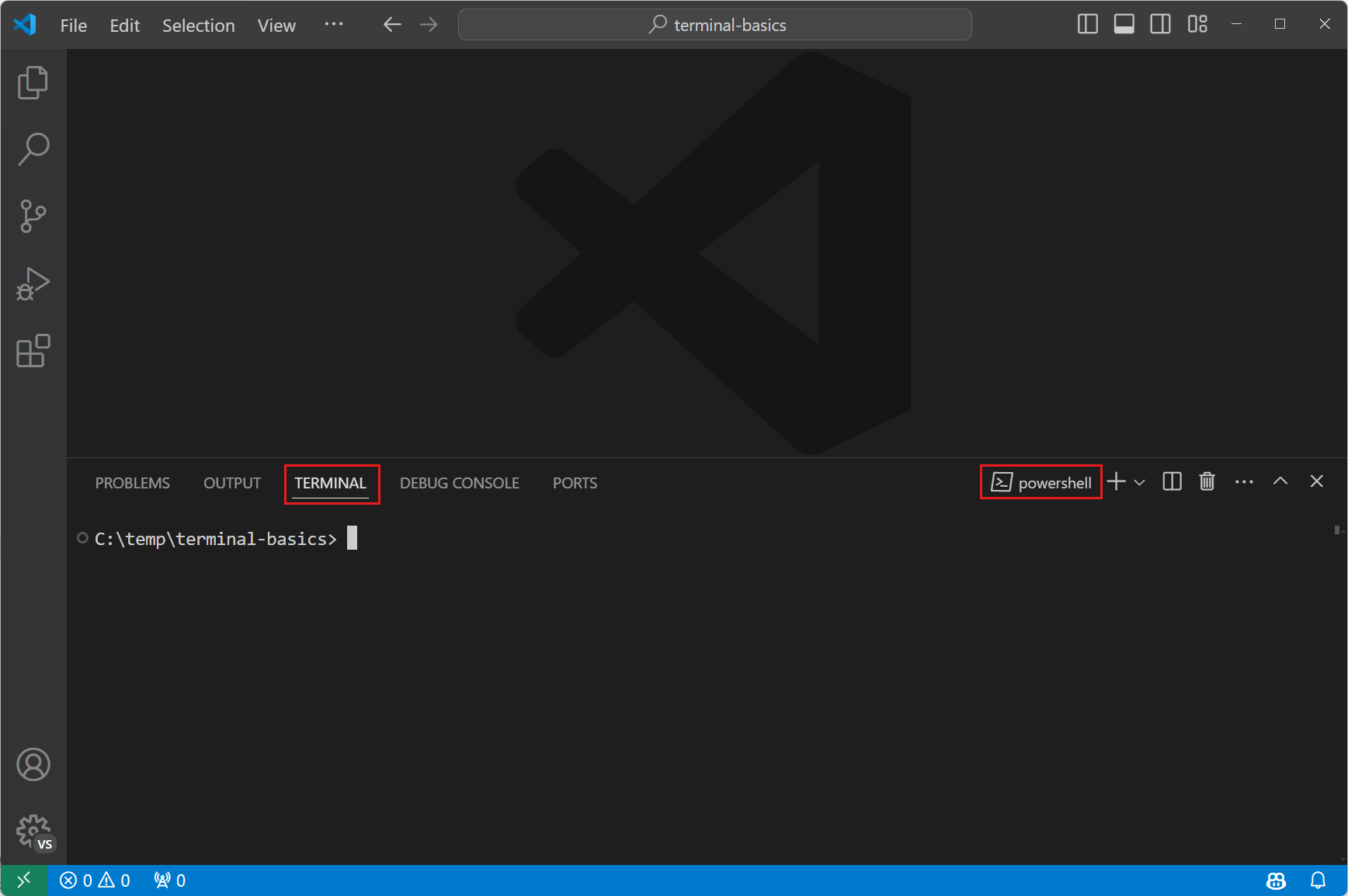
In VS Code, open your project folder, then choose View → Terminal. Type at the cursor in the Terminal panel, not in Output, the source file, or the browser address bar. Our command blocks omit prompt symbols such as $ and >; do not add them.
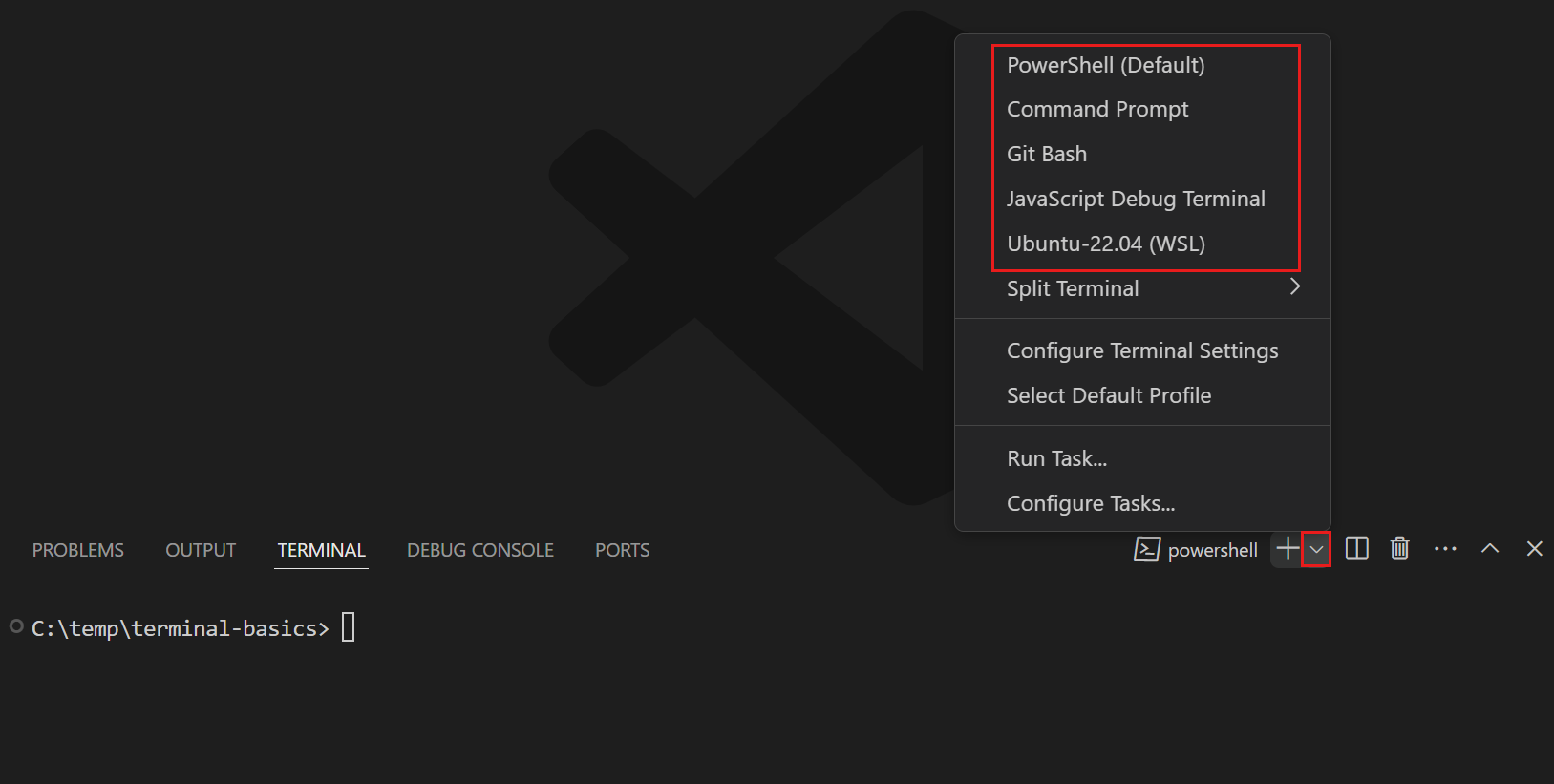
The dropdown next to the plus button selects a shell. Choose the shell named in your operating-system instructions below. Available choices depend on what you installed.
Choose a system to see its installation steps. A computer is needed for these local setup instructions.
Official documentation and illustrated guides
Instructions reviewed 2026-10-27. Use the linked installer page for current versions and supported operating systems.